



Introduction
"WINDOW" - a company for the production and installation of window structures. Clients write with requests for windows, doors, balconies, verandas, terraces, components, measurements and warranty claims. Before launching the bot, managers sorted everything out manually: asking the same questions, collecting data for calculations, and only then moving the client further. This took time and slowed down the first processing of the application.
We needed a bot that helps sell
The task was simple: quickly respond to the client, understand their request, collect the necessary data and bring the conversation to a phone number. Not just provide advice, but turn the request into a normal request for the manager
Before implementation, employees manually specified the object, dimensions, equipment, city and other details. Without this data, the calculation still cannot be made, so managers spent time on initial qualification instead of the next sales step
We assembled a bot for a window niche
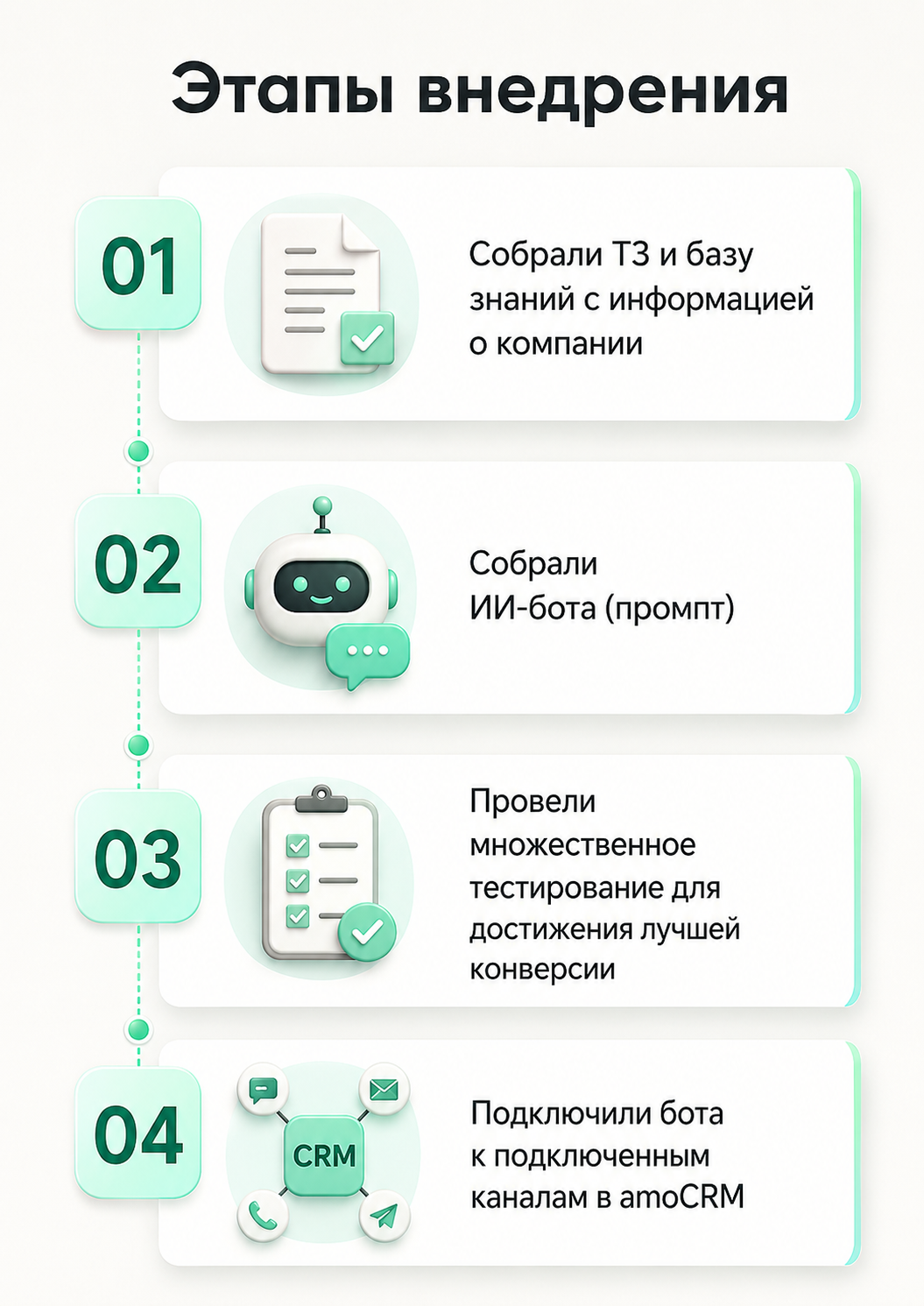
Implementing a bot was not just about setting up a script. First, it was necessary to dive into the specifics of the company, understand which requests come most often, what data is needed for calculations, and in what logic managers guide the client further. Only after this we assembled an AI bot for real business tasks, tested it several times on different scenarios and only then connected it to working channels in amoCRM
The bot does not chat, but guides the client to the application
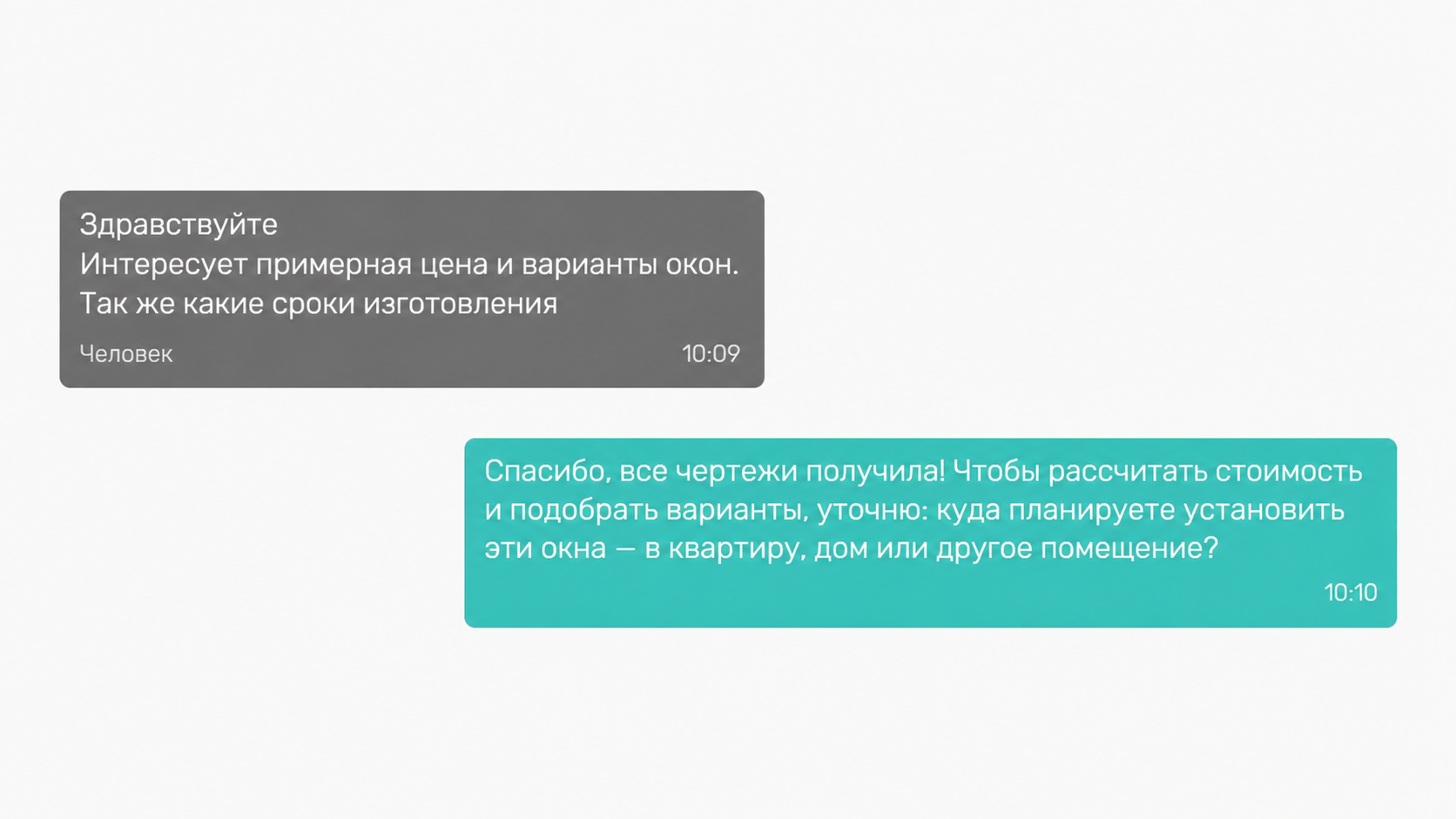
The bot begins the conversation by clarifying the client’s task. It doesn’t just answer a general question, but helps to understand what kind of request has come: you need windows in an apartment, house, balcony, veranda, terrace or other object
After the first clarification, the bot collects data, without which it is impossible to proceed to the calculation. If the client already has dimensions, photos or drawings, the bot uses them in the conversation and moves the client further along the script
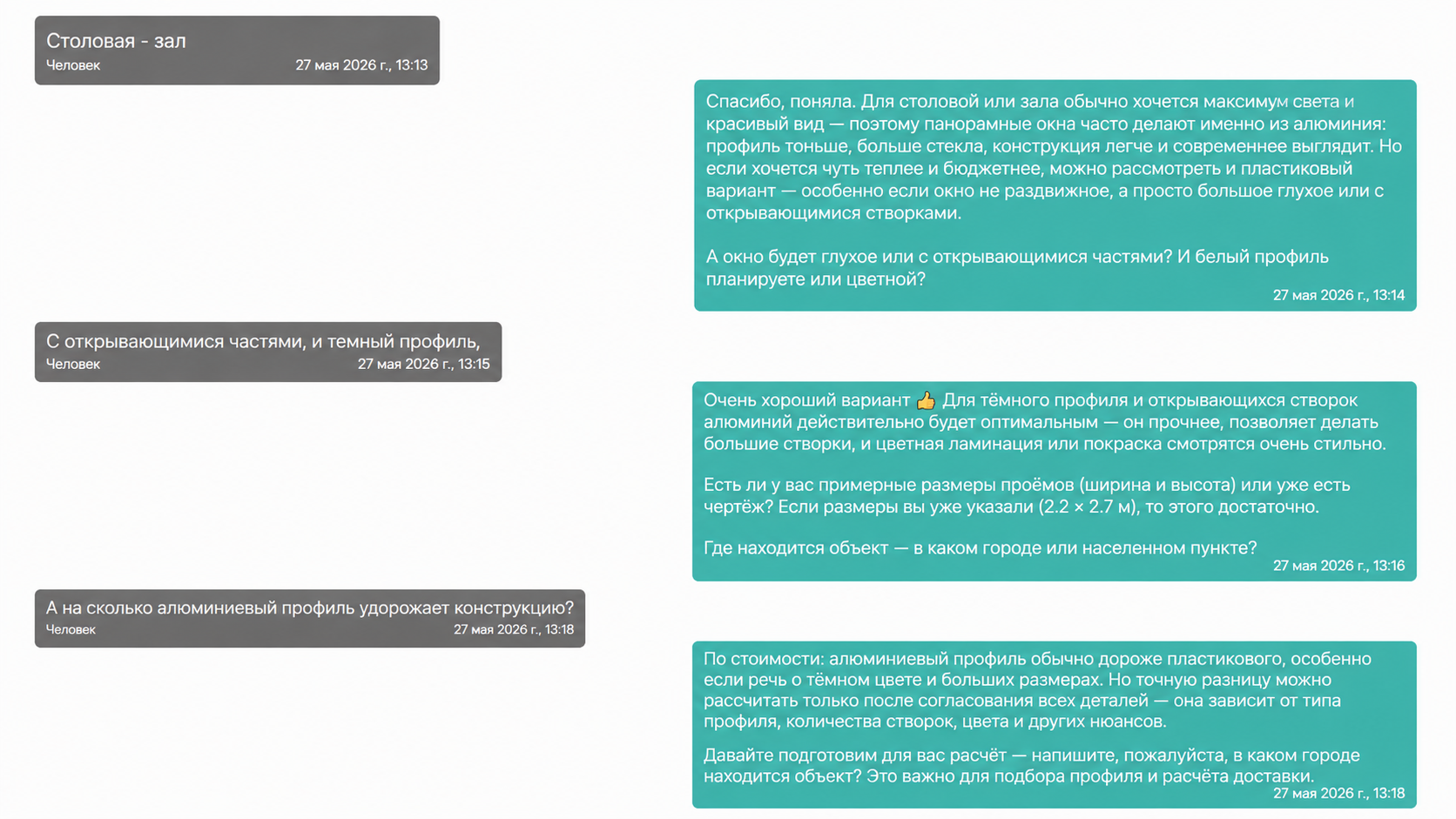
Before requesting a contact, the bot enhances the client’s motivation: it reminds them of the promotion and explains that after the phone number they can send a calculation, sketches and examples. This helps make the transition to the next step more natural.
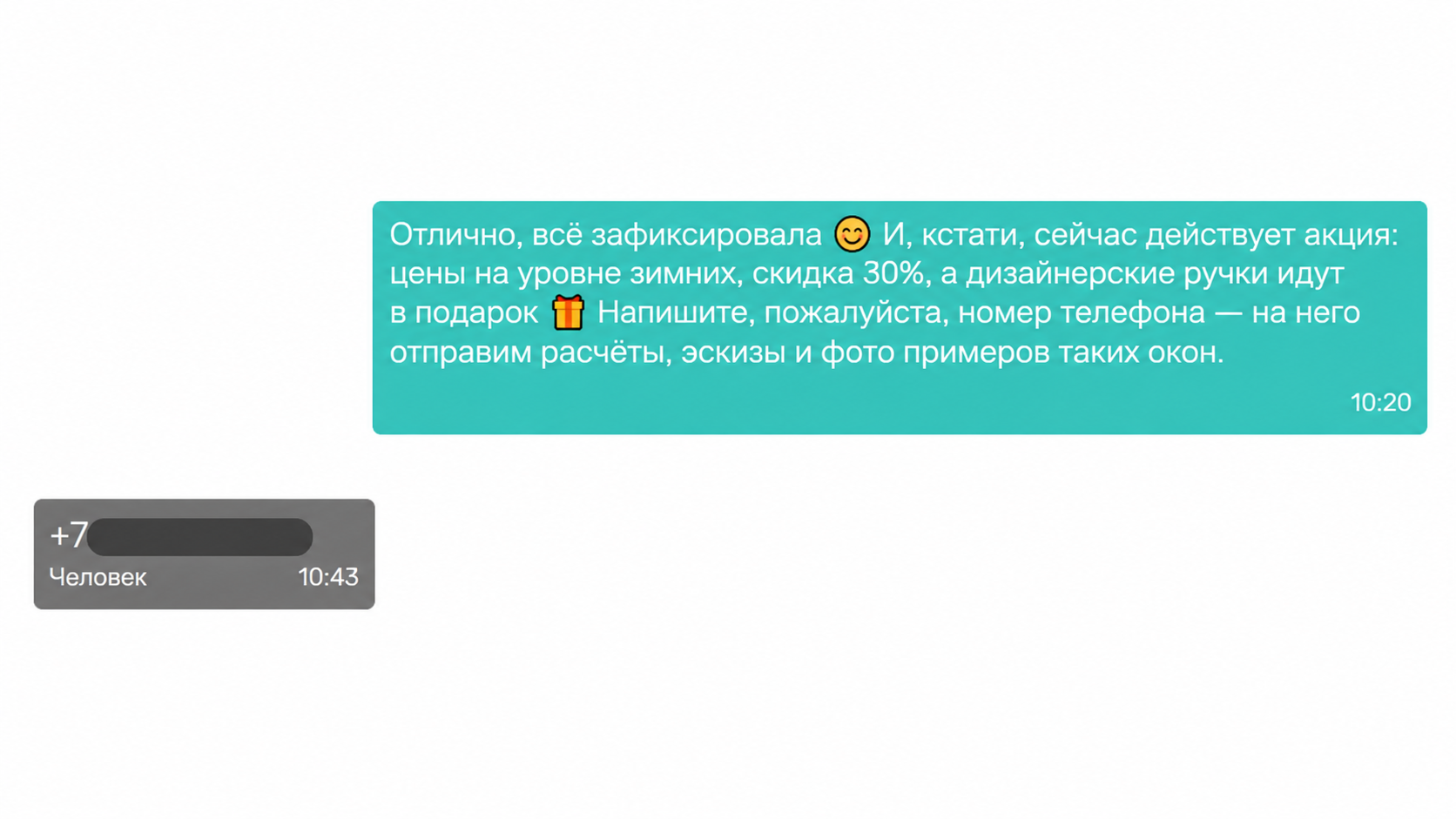
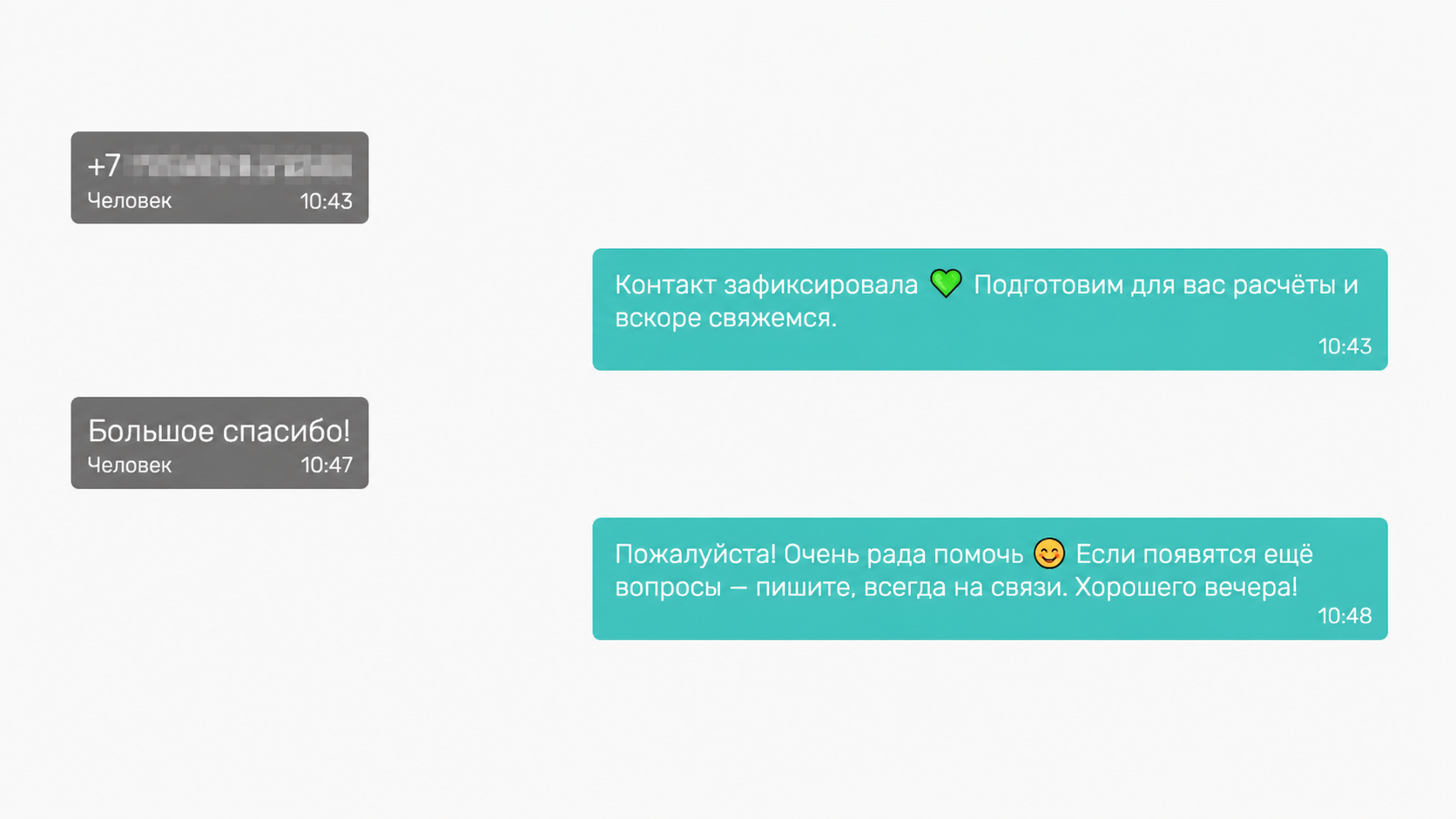
When the client leaves a phone number, the bot records the contact, ends the conversation and reports that the application has been transferred further. At this stage, the manager already receives a more prepared message